Simplify your quality control

For inspections, audits and more.

Photos are taken on the shop floor. They're checked at the office.

Automation

Inspection photos, on your servers, in your ERP or in the cloud.

Organisation

Photos are signed and dated.

Confidentiality

End-to-end encryption, on-premise option.

Simplicity

A simple app for inspectors.

The result: peace of mind. Every finding has its photo, ready for the audit.

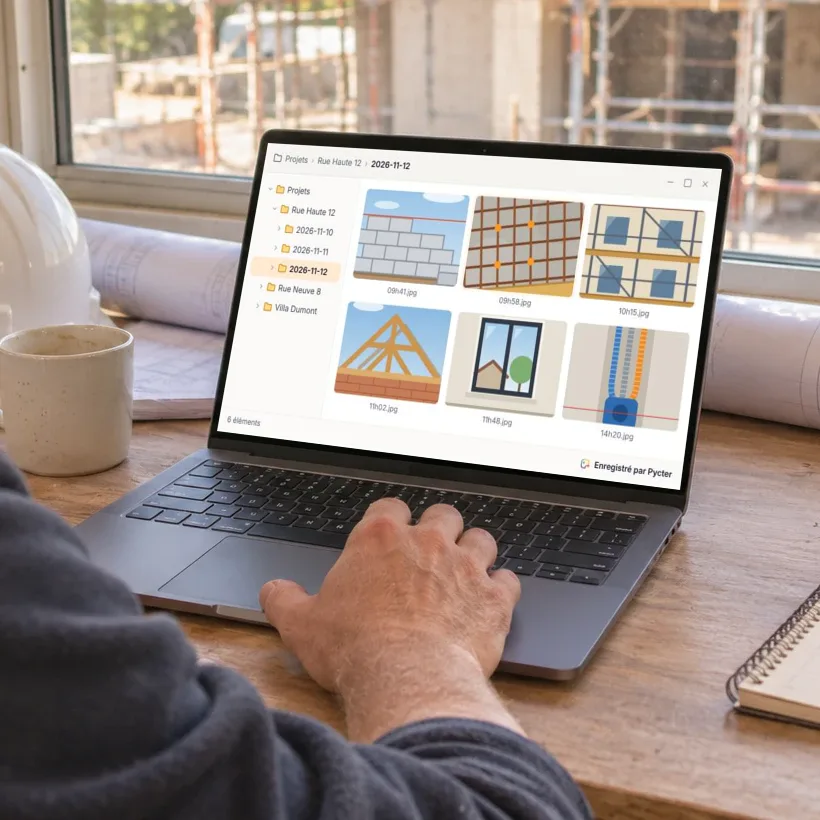
Photos from the inspection, straight to the file

An inspector takes a photo

On the shop floor, straight in the project.

The office checks it right away

In the project folder, with its author and date.

Out of coverage, photos wait and leave as soon as the phone is back online.

What's included

An app for the whole crew

Simple, on iPhone and Android. Its built-in camera keeps work photos apart from personal ones.

Desktop app or ERP

At the office, photos land in your folders on Windows, macOS or Linux, or straight in your ERP.

Projects with roles

Admins and members. Invite partners with a link.

FAQ

Questions, answered

Something else on your mind? Write to us, we answer every email ourselves.

Ask a question

No. Pycter transfers the original file, with its capture date and time.

Yes. Everyone you invite adds photos to the same project, and each photo keeps the name of its author.

Where you choose: in your own folders, on a computer, a server or your OneDrive, Google Drive or Dropbox, or in Pycter cloud storage, which works with your ERP. Pycter brings the photos from the phones to that place.

It depends on where you keep the photos. With Pycter cloud storage, there is nothing to install. For your own folders, install Pycter on a computer and choose the folder: if it is on your server or a shared drive, the photos land there. To keep photos on your premises, we set it up with you.

Keep taking photos. They are sent as soon as the phone is back online.

All of them: iPhone and Android on site, Windows, macOS and Linux at the office.

It depends on the size of your team. Get in touch and we'll find what fits.

Pycter also works for

Try Pycter on your next inspection

Tell us what you inspect and how you file it today. We'll help you set it up.

Contact us

or write to hello@pycter.com