- Clients
- Dumont garden
- 2026-04-02
- 2026-05-20
- 2026-06-14
- Maple Court
- Station Square
 08h52.jpg
 10h07.jpg
 11h30.jpg
 13h45.jpg
 16h20.jpg
5 items Saved by Pycter
9:41
Today
2 April


5 photos sent
08h52.jpg10h07.jpg11h30.jpg13h45.jpg16h20.jpgSaved by PycterGarden photos, on the office computer or in your ERP.
Every photo keeps its date and is filed by client, from the first visit to the finished garden.
End-to-end encryption.
A simple app for the crews, with the quote photos already in it.
The result: peace of mind. Every garden is documented, ready for the quote, the invoice and your portfolio.

In the garden, straight in the client's project.
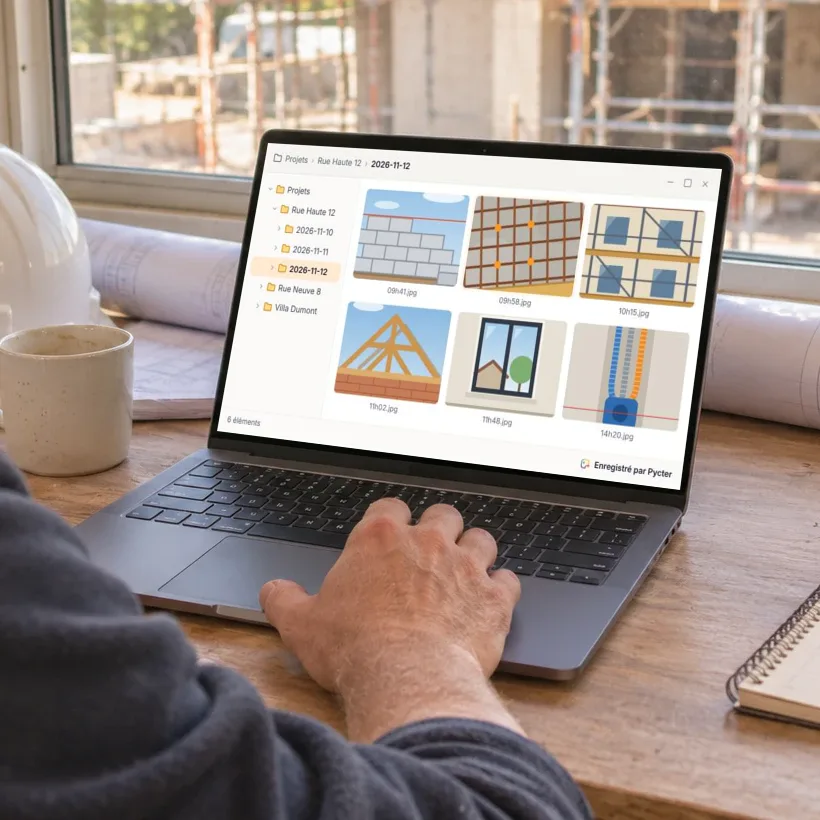
In the client folder, ready for the quote.
Out of coverage, photos wait and leave as soon as the phone is back online.
Simple, on iPhone and Android. Its built-in camera keeps work photos apart from personal ones.
At the office, photos land in your folders on Windows, macOS or Linux, or straight in your ERP.
One project per job, with admins and members. Invite partners with a link.
Something else on your mind? Write to us, we answer every email ourselves.
Ask a questionYes. They are your files, in full quality, in your own folders.
Yes. Keep one project per client: every visit adds its photos, sorted by day.
Where you choose: in your own folders, on a computer or a server, or straight in your ERP. Pycter brings the photos from the phones to that place.
Keep taking photos. They are sent as soon as the phone is back online.
All of them: iPhone and Android on site, Windows, macOS and Linux at the office.
It depends on the size of your team. Get in touch and we'll find what fits.
Tell us about your crews and jobs. We'll help you set it up.
Contact usor write to hello@pycter.com