- Villa Dumont
- Drawings
- Site visits
- 2026-10-15
- 2026-10-29
- 2026-11-12
- School extension
 09h12.jpg
 09h20.jpg
 09h31.jpg
 09h44.jpg
 09h52.jpg
 10h03.jpg
6 items Saved by Pycter
9:41
Today
29 October



6 photos sent
09h12.jpg09h20.jpg09h31.jpg09h44.jpg09h52.jpg10h03.jpgSaved by PycterSite photos, on your laptop, in your ERP or in the cloud.
Every photo keeps its capture date and location, and is filed by project and visit.
Take site photos as you go, directly from the app.
The result: peace of mind. Site photos are in the report, not mixed with personal ones.

During the visit, straight in the project.
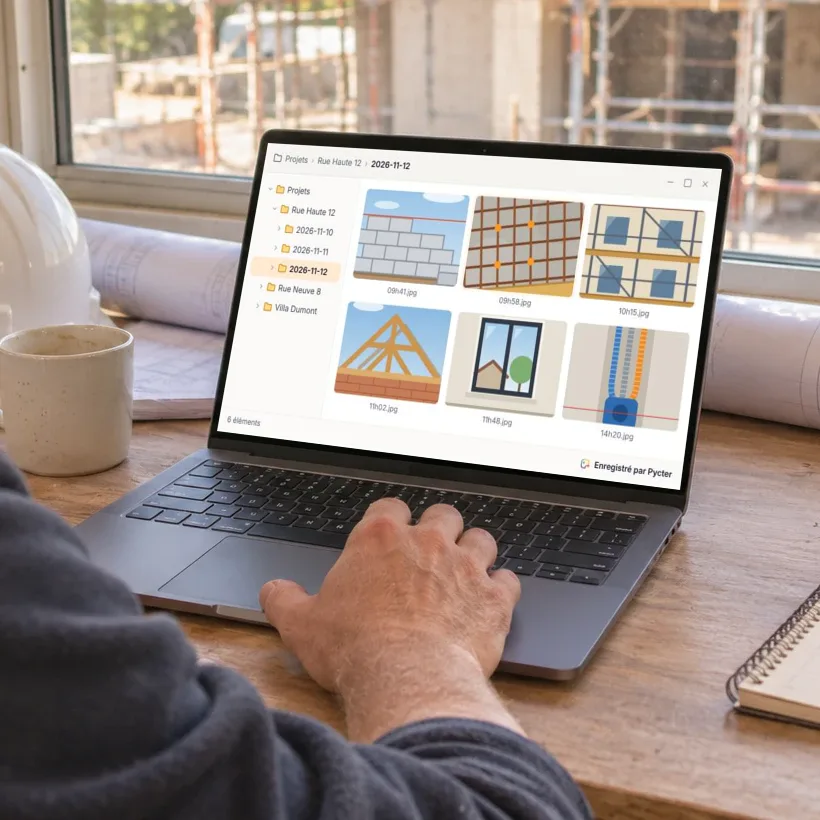
In the project folder, on your laptop.
Out of coverage, photos wait and leave as soon as the phone is back online.
With Pycter, my site photos are sorted by project and waiting on my computer, without mixing with my personal photos. A real time saver: I take a photo on site and can put it in my report within seconds, with no transfer or download.
Simple, on iPhone and Android. Its built-in camera keeps work photos apart from personal ones.
At the office, photos land in your folders on Windows, macOS or Linux, or straight in your ERP.
Something else on your mind? Write to us, we answer every email ourselves.
Ask a questionYes. A project can have a single member: it is then a direct line from your phone to your computer.
Yes. Send them the project link: their photos arrive in the same folder as yours. The app shows who took each one, and you can also have the author's name put in the file name.
Where you choose: in your own folders, on a computer, a server or your OneDrive, Google Drive or Dropbox, or in Pycter cloud storage, which works with your ERP. Pycter brings the photos from the phones to that place.
Keep taking photos. They are sent as soon as the phone is back online.
All of them: iPhone and Android on site, Windows, macOS and Linux at the office.
It depends on the size of your team. Get in touch and we'll find what fits.
Tell us how you handle site photos today. We'll help you set it up.
Contact usor write to hello@pycter.com